
Do you need help?
Everything you need to know is at your fingertips. Browse through the guide articles and find the right answer.
Items File
Through the Items File, you can add and edit item data, specify the group, unit, and basic details associated with it.
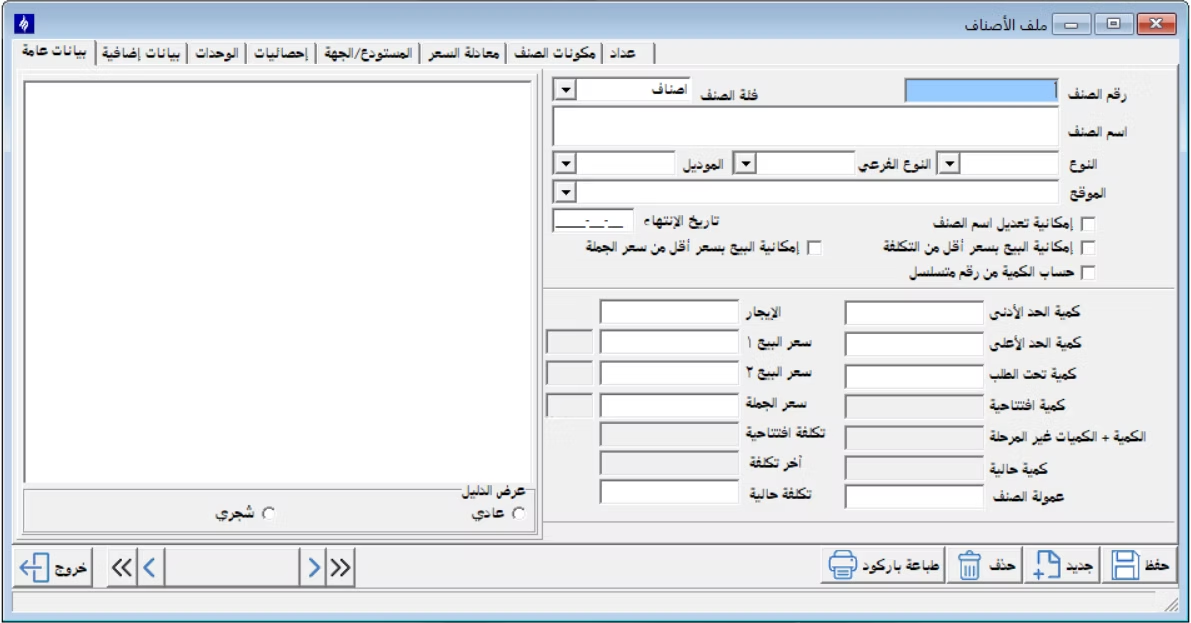
After entering the item's basic data, you can complete the remaining fields and details, then save the item to make it ready for use in warehouse transactions.
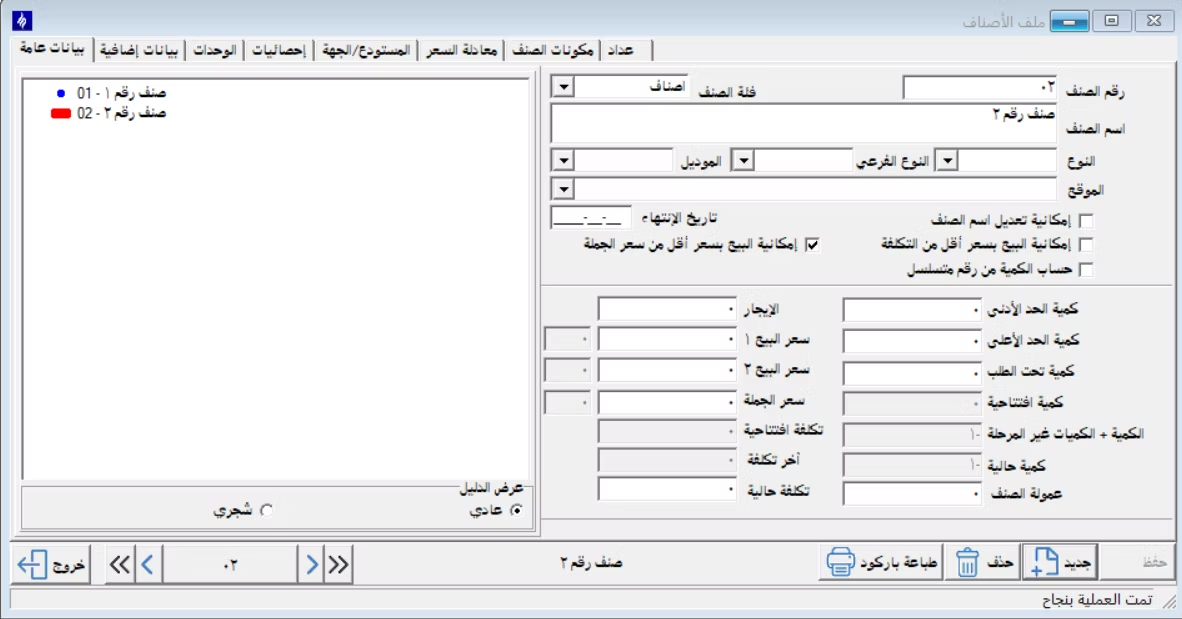
Materials Receipt Voucher
The Materials Receipt Voucher is used to record the entry of items into the warehouse, specifying the supplier or entity, quantities, and data associated with the receiving process.
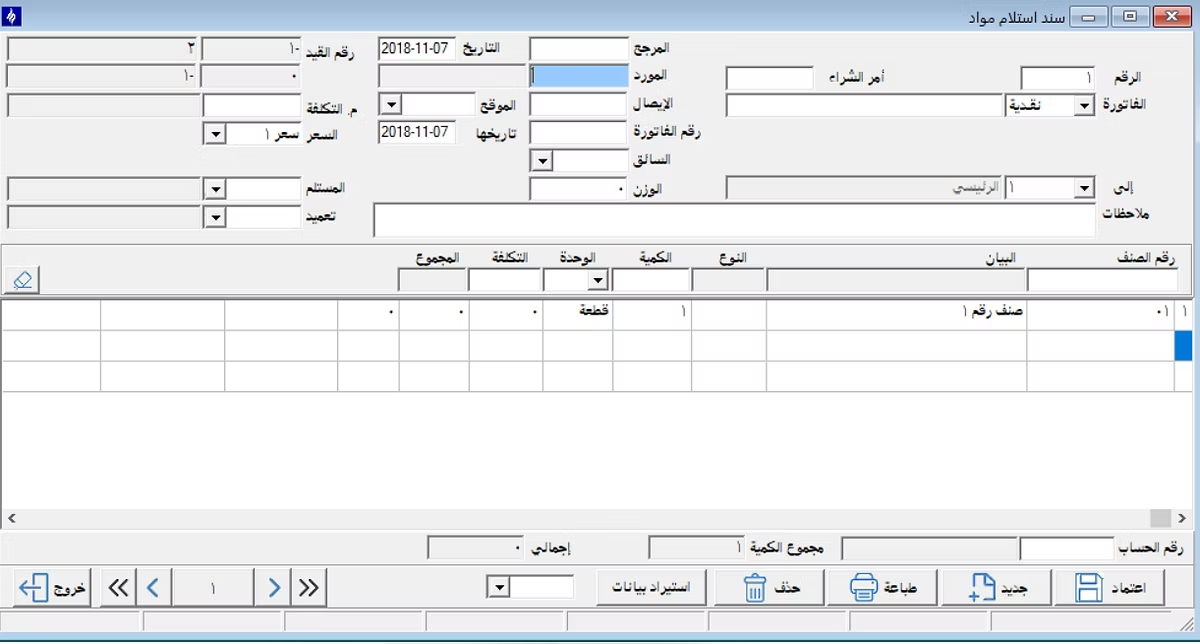
Materials Issue Voucher
The Materials Issue Voucher is used to issue items from the warehouse to a specific entity, project, or department, recording the items, quantities, and issue date.
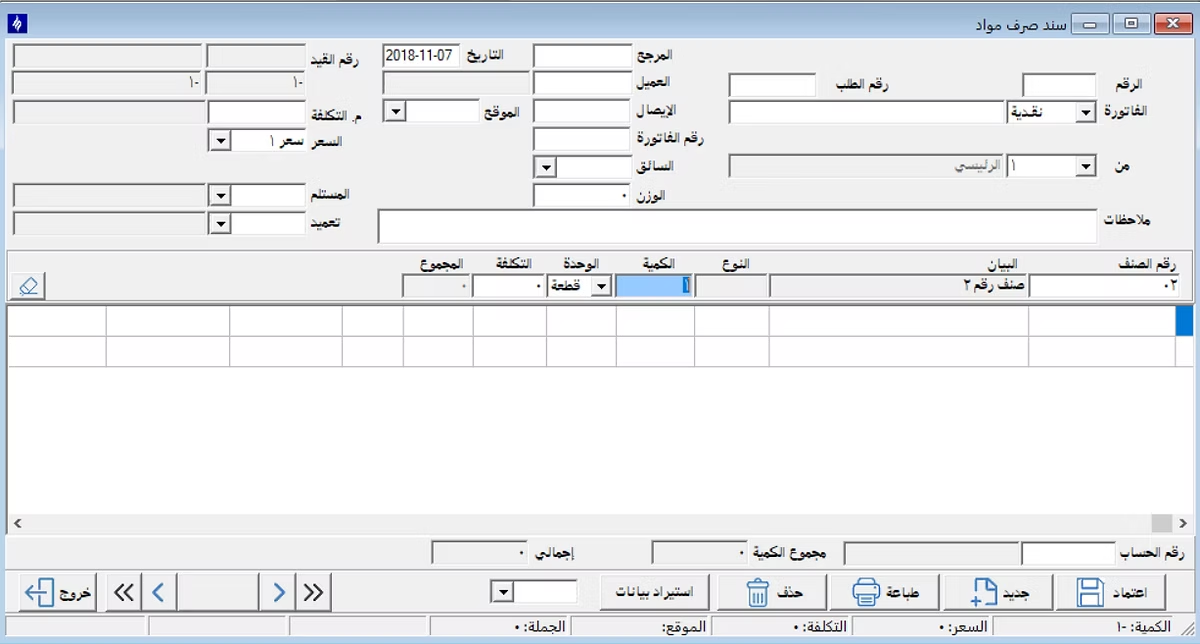
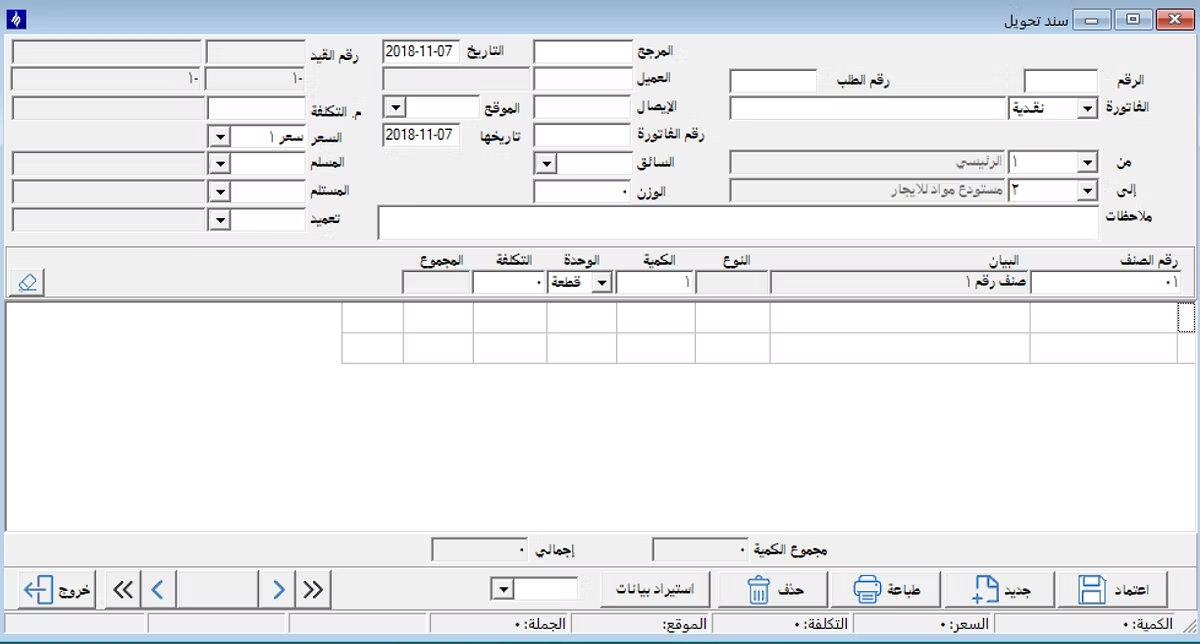
Transfer Voucher
The Transfer Voucher is used to transfer items between warehouses or different locations, specifying the source warehouse and the receiving warehouse.
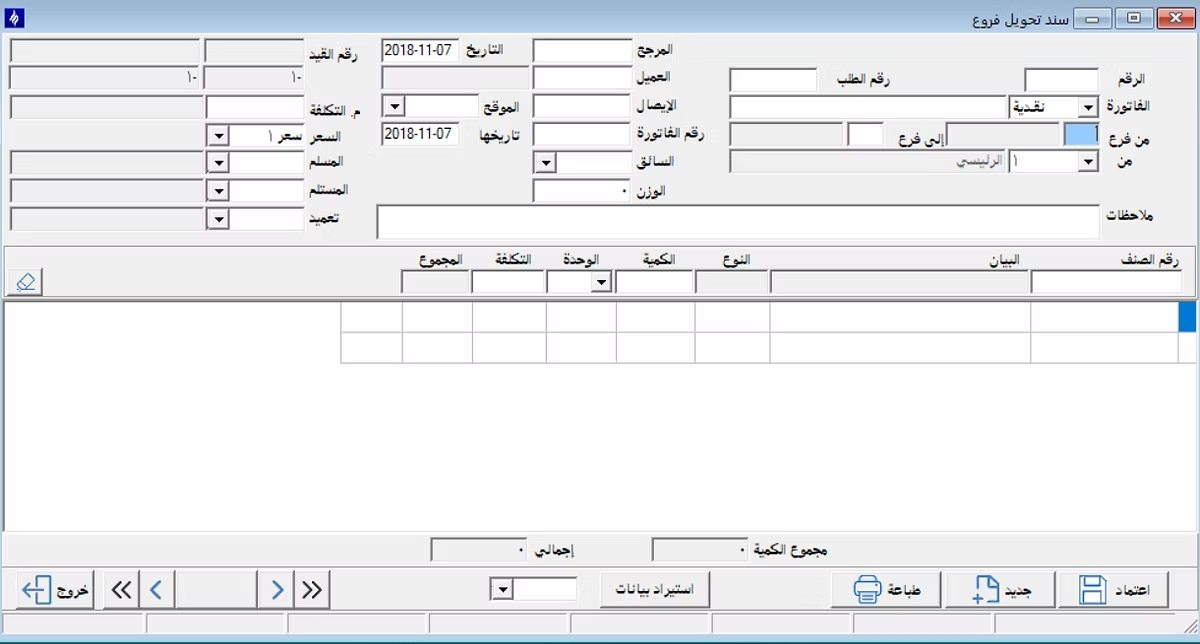
Branches Transfer Voucher
This voucher is used to transfer items between different branches, specifying the sending branch, the receiving branch, and the details of the transferred materials.
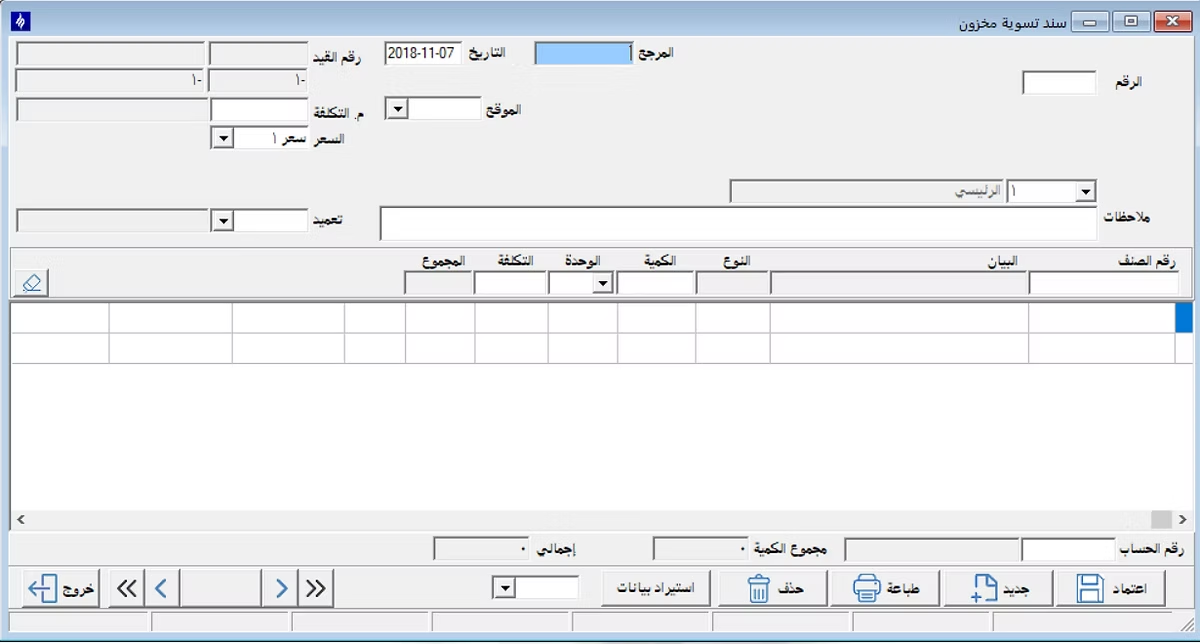
Adjustment Voucher
The Adjustment Voucher is used when there is a need to modify an item balance within the warehouse as a result of stocktaking, data correction, or any other operational reason.
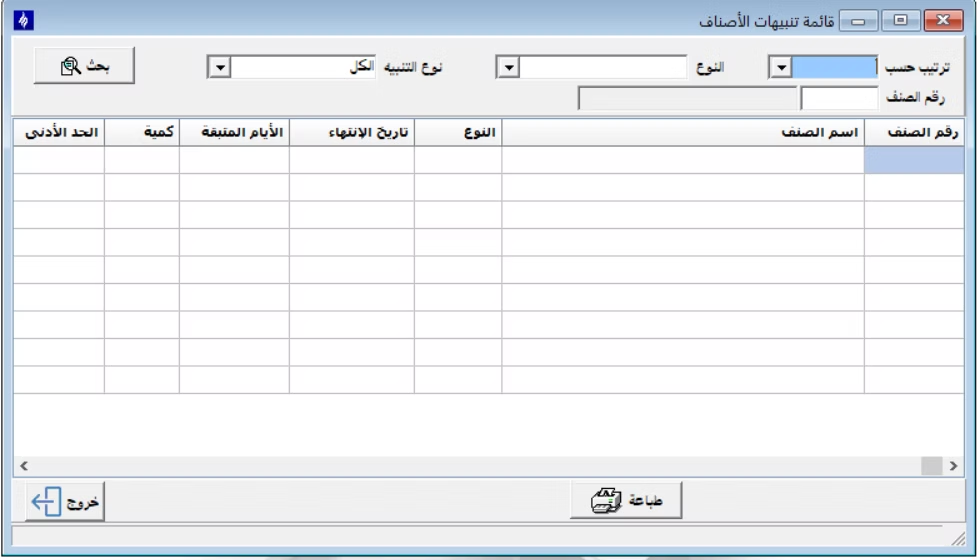
Items Alert List
The Items Alert List displays items that have reached the reorder point or minimum limit, or those requiring special follow-up within the warehouses.
Supplier File
Through the Supplier File, suppliers associated with warehouse transactions and purchasing processes can be defined and linked to items and various dealings.
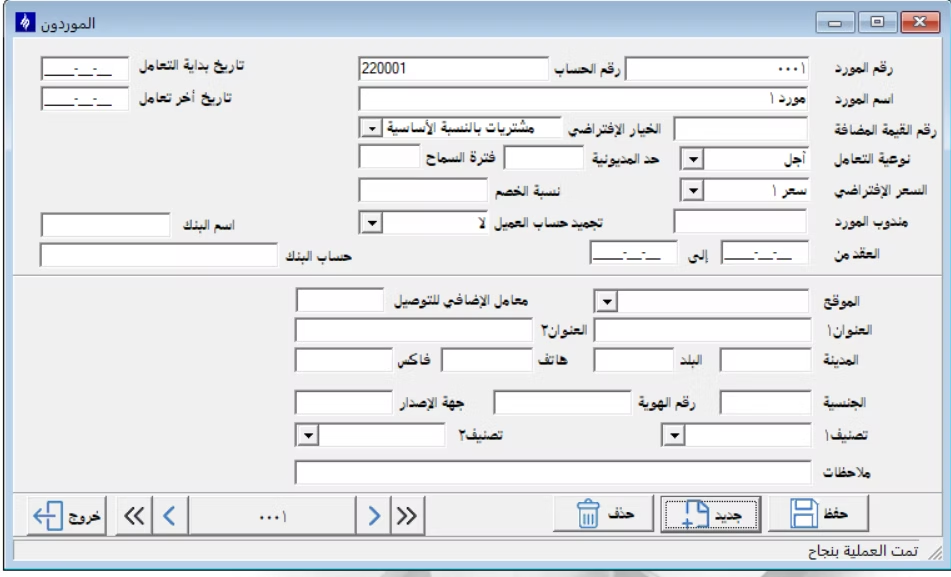
Warehouses and Entities File
This file allows for the definition of warehouses and their associated entities, along with specifying basic data necessary for managing item movements between different entities.
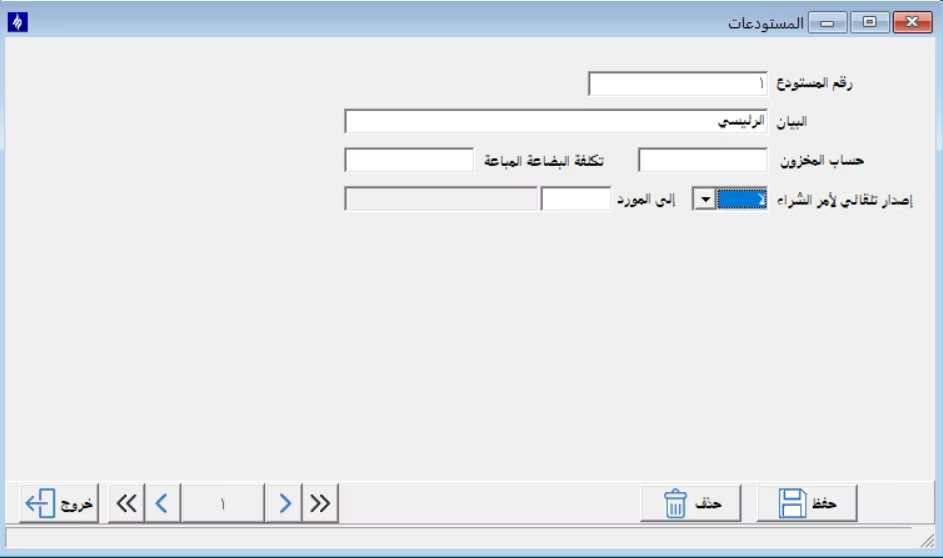
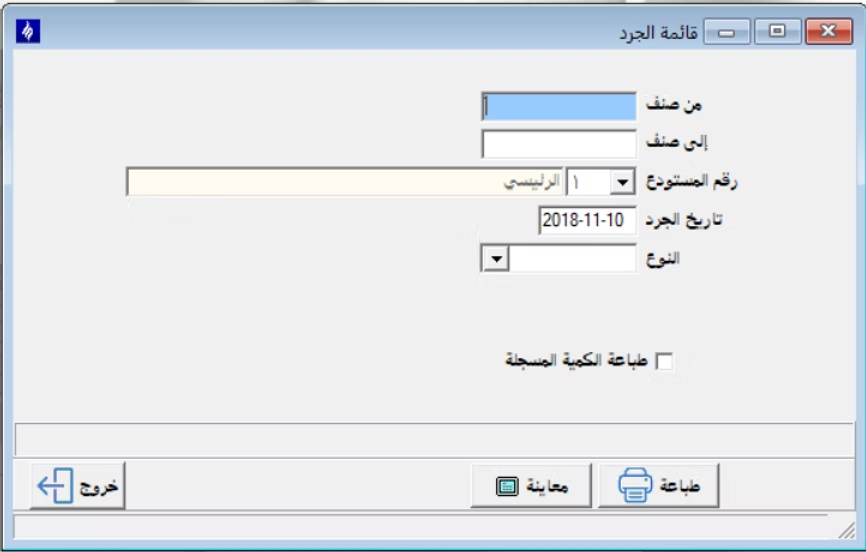
Inventory List
From the Inventory List, a new inventory process can be created, specifying the required warehouse or period, and monitoring stocktaking operations for items.
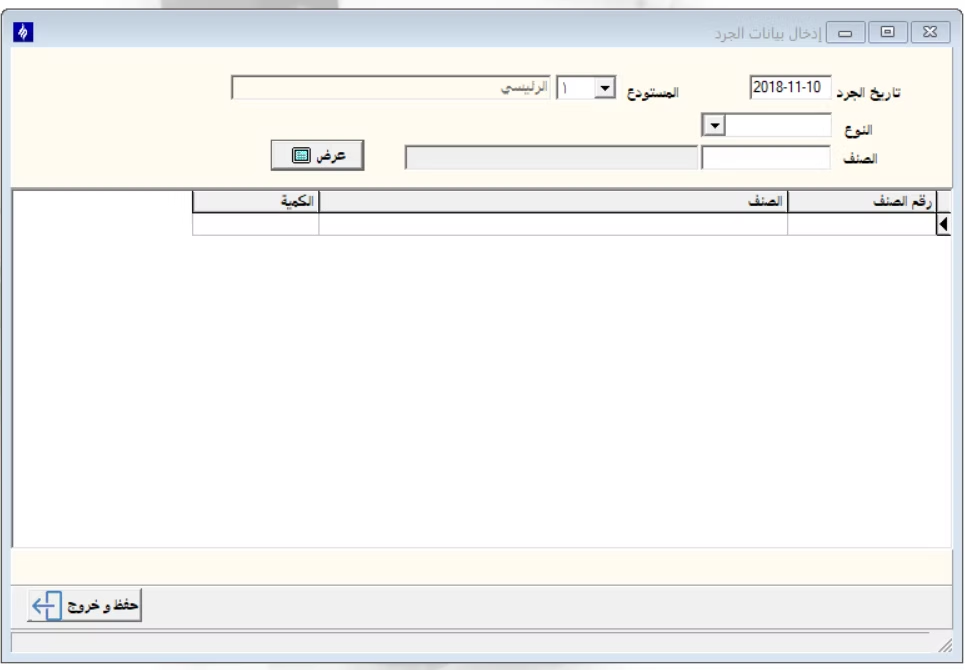
Inventory Data Entry
After creating the inventory list, actual item quantities are entered into the inventory data entry screen and compared against the recorded system balances.
Deficit or Surplus Report
This report displays discrepancies between actual stock and book balance after the inventory process, whether a deficit or a surplus in items.
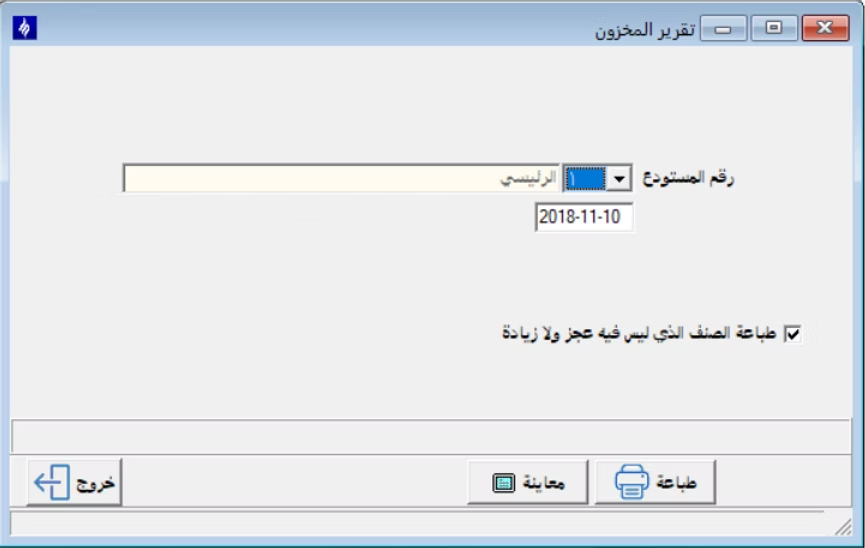
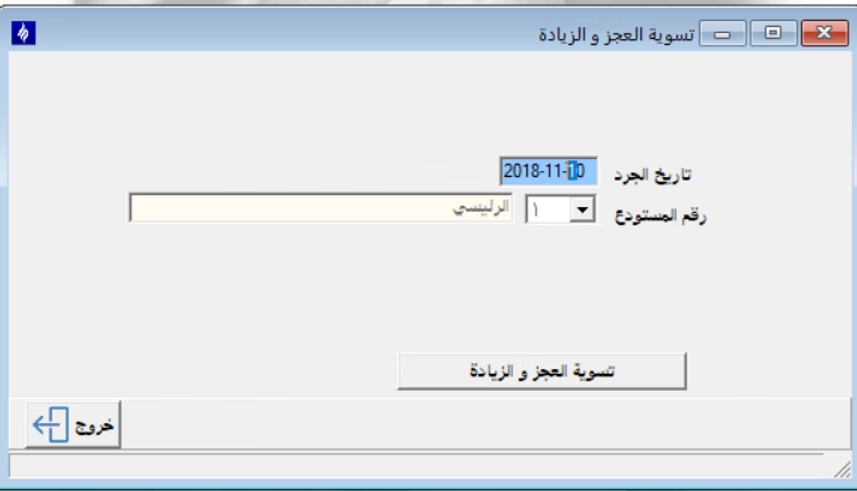
Deficit or Surplus Adjustment
After reviewing the deficit or surplus report, the adjustment screen is used to approve discrepancies and update item balances within the system.
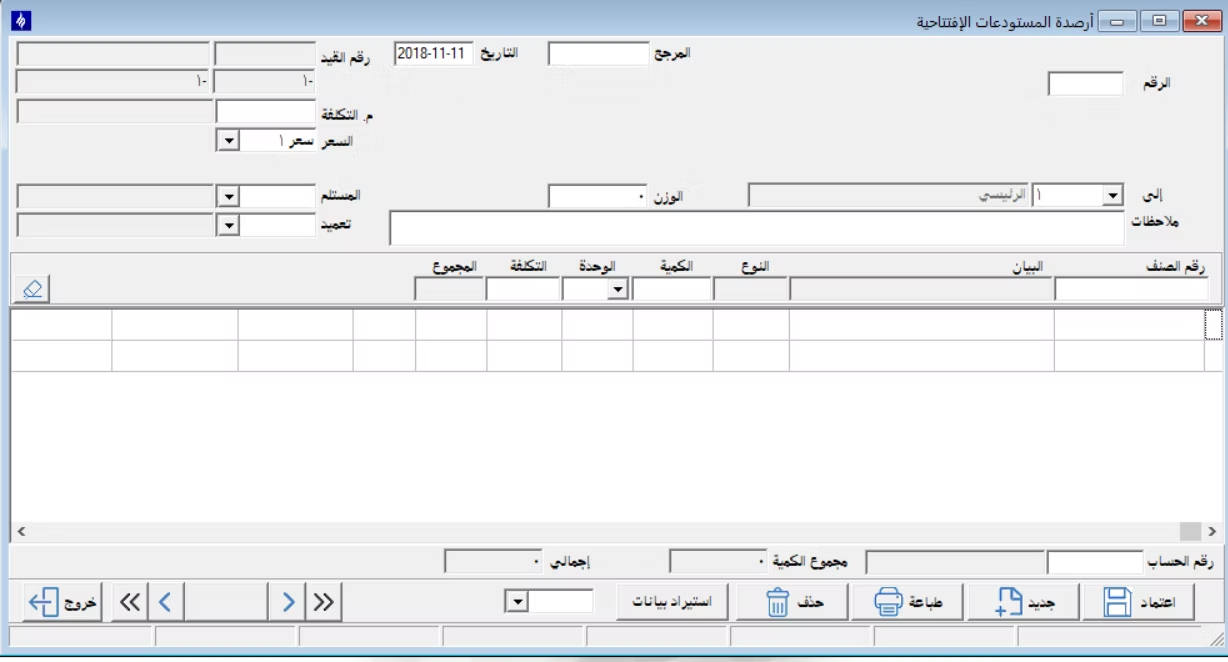
Opening Warehouses Balances
This screen is used to enter initial opening balances for items in warehouses when starting to use the system or when creating a new financial year.
Other Services
We have additional services through which more than one operation can be performed from the Warehouses menu under Services: ( Reorganize Warehouses – Change Item Number – Change Item Numbers – Internal Transfer – Change Warehouse Number – Edit Item Price – Import Item Data – Copy Item Information – Copy Item Units ).
Reports
From the Warehouses menu – Reports – we find several types of reports available: ( Detailed Item Movement – Total Item Movement – Historical Item Movement – Vouchers Movement Detailed & Summary – Item List Statement ).